Photoverse
A photo storage app that lets you store, organize, and access your photos without relying on device storage. Built, broken, and rebuilt with real-world lessons
The Challenge
By late 2025, my phone storage was almost full. Not because of apps, but because of photos — thousands of them, scattered across my camera roll, WhatsApp, and downloads.
Deleting them would’ve solved the problem. I just wasn’t willing to lose the memories.
I wanted to eat my cake and have it.
The Idea
I wasn't familiar with Google Photos at the time. However, in the past, I had worked on a registration form where users had to upload their payment receipt as an image. That was the first time I had the opportunity to work on an "Image upload" functionality. As with first times, I was clueless. I had no idea how I would save an image file in a Database. However, after some research, I found Cloudinary, which allowed me to host the images and saved it as a link in the Database.
That’s how the idea for Photoverse was born — combining my prior experience with Cloudinary and the need to save storage without losing memories.
The First Build
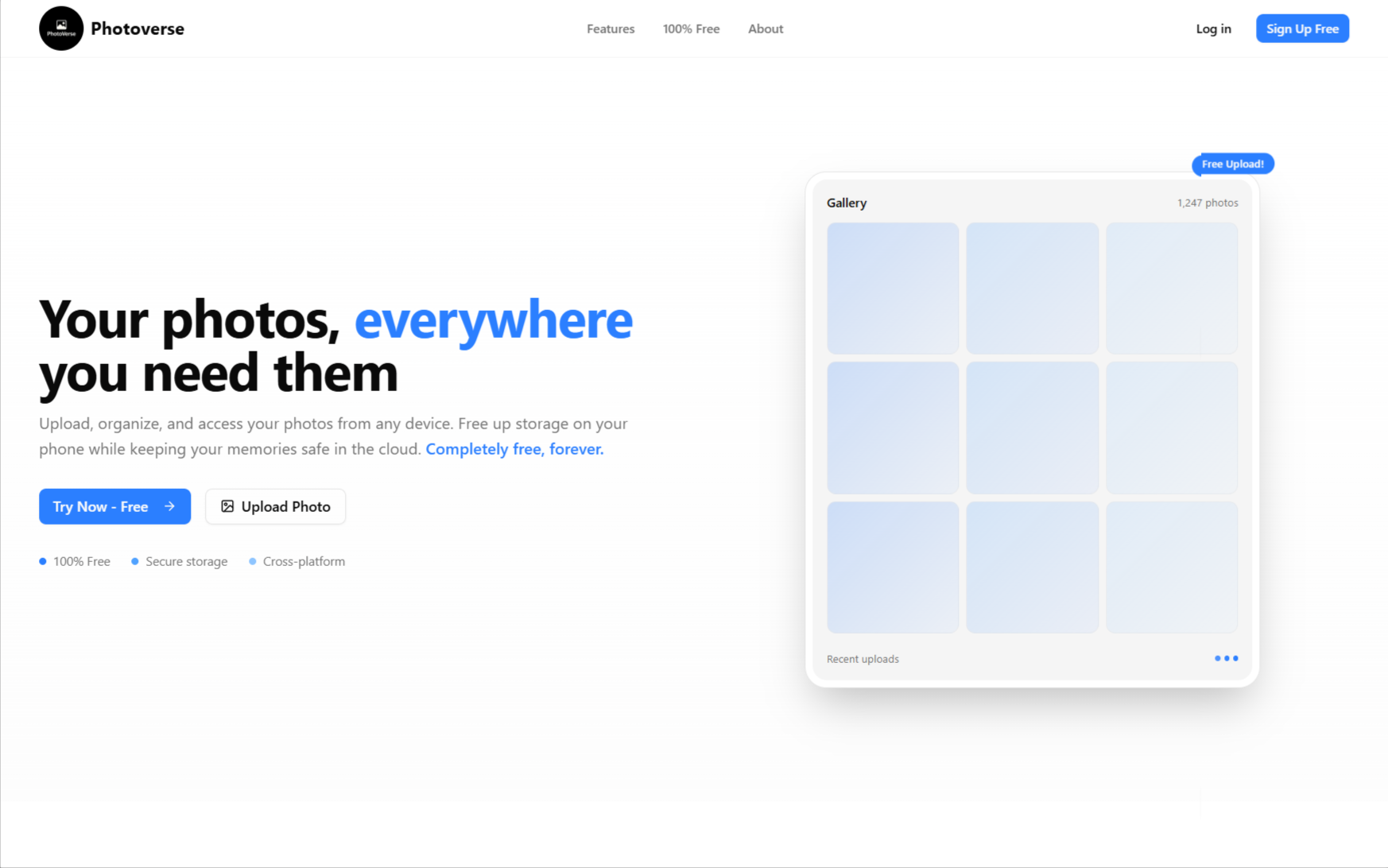
Within 2 months, I had the first and ugliest version of Photoverse. All it did was to get images, upload them to Cloudinary, save the link in the database, and display images on the site in folders.
Production
Before launching, I had a couple of people who were willing to test. Everything worked fine, not until I hosted and shared the link.
I experienced what it meant to have real users on something you built. It wasn't all nice and fulfilling; it was more of a shock.
So, software can break in production even though it worked perfectly in development. I used to think this was just a meme. Things malfunctioned in places I hadn't imagined. Some people couldn't sign up, and others couldn't
upload photos. Honestly, these features were working some 30 minutes ago before I hosted.
That was my first time debugging issues in a live production environment.
v2 & v3 : Over-engineering & Learning Simplicity
I had intended for Photoverse to work just like the normal phone gallery, the first iteration, asid from its very ugly UI, was incomplete. Users could create folders, upload photos, and mark a photo as favourite, but couldn't trash or permanently delete photos.
Early this year, after the new year and its related celebrations, I again picked up the project.
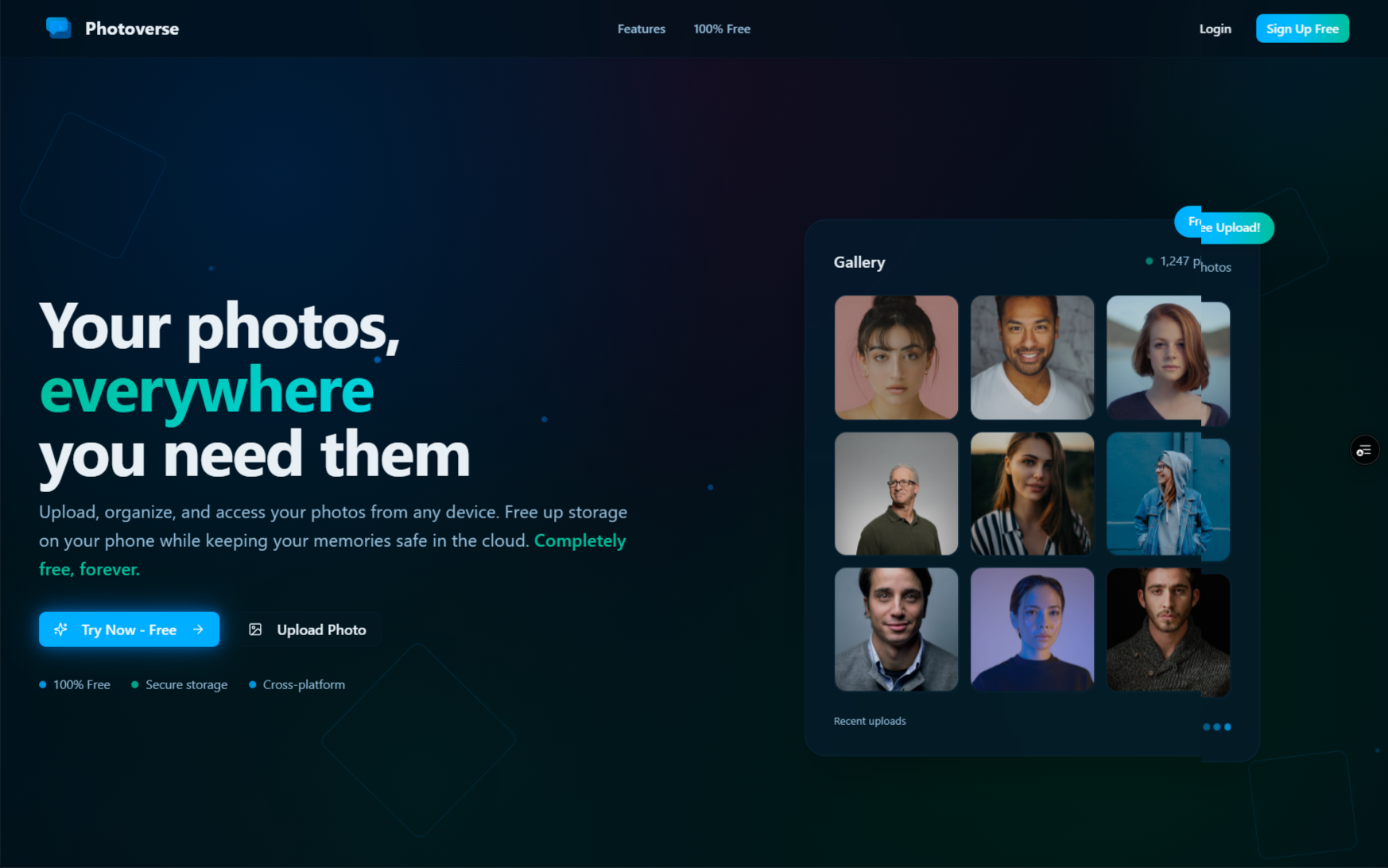
The goal was to make it more beautiful and completely functional. I revamped Photoverse's ugly UI, aiming for it to look and feel like a web3 website. I added lots of gradients and
animations. I had lots of elements flying around like space debris.
The result was stunning to me. However, the reviews I got didn't say the same. I had added so many animations that not only make the site confusing, but also slow. It wouldn't even open on some devices.
A lot went into making those animations, and it kind of hurt that my effort wasn't appreciated. Then
I learned why it's important to keep things simple. Of what good
are crazy animations if the site is inaccessible?
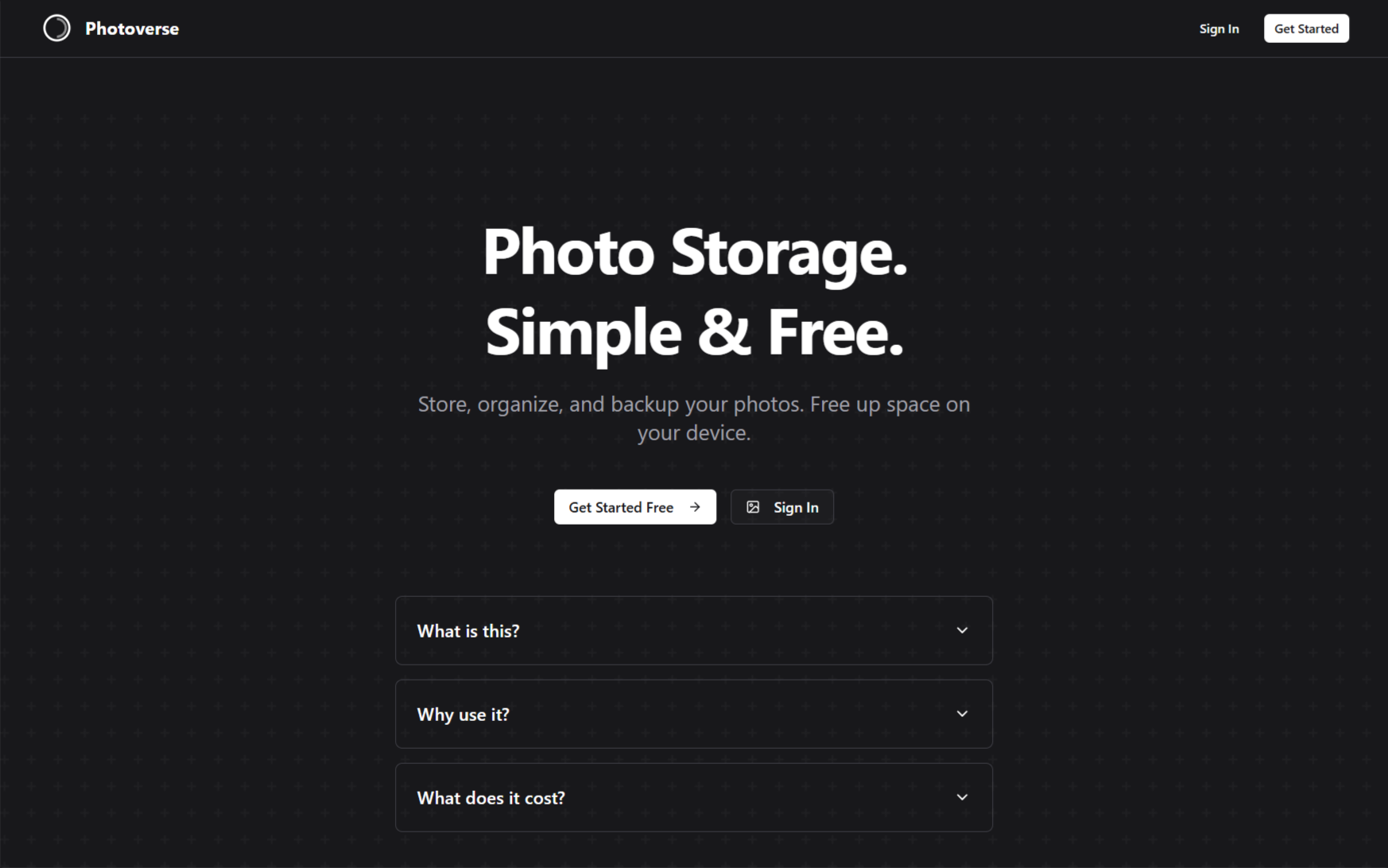
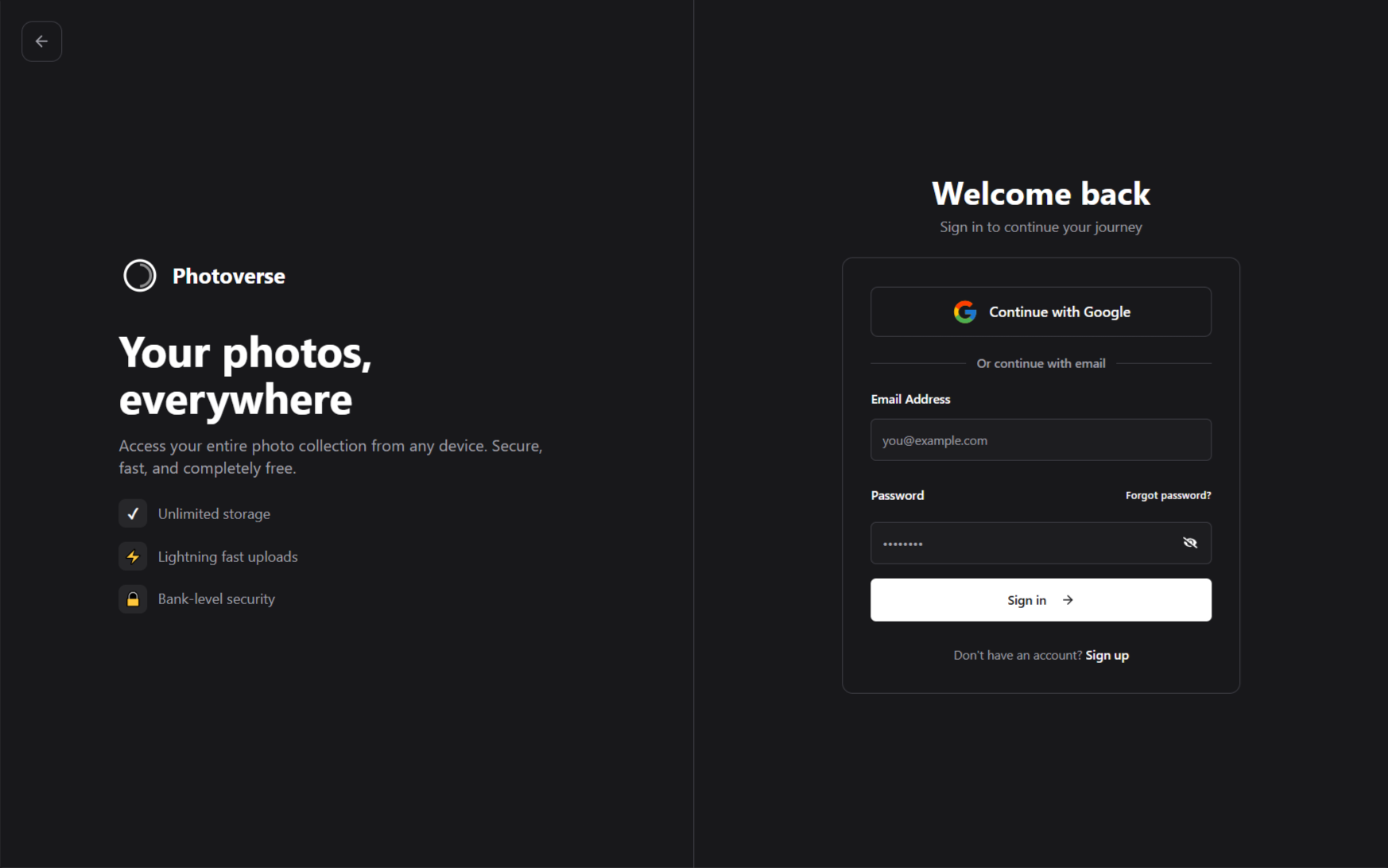
A week later, I released the third version. This version aimed for simplicity. I used solid colors instead of gradients and removed every flying element from the site.
What I learned
Working on Photoverse didn’t just help me back up my photos, it also taught me a lot of crucial software development lessons.
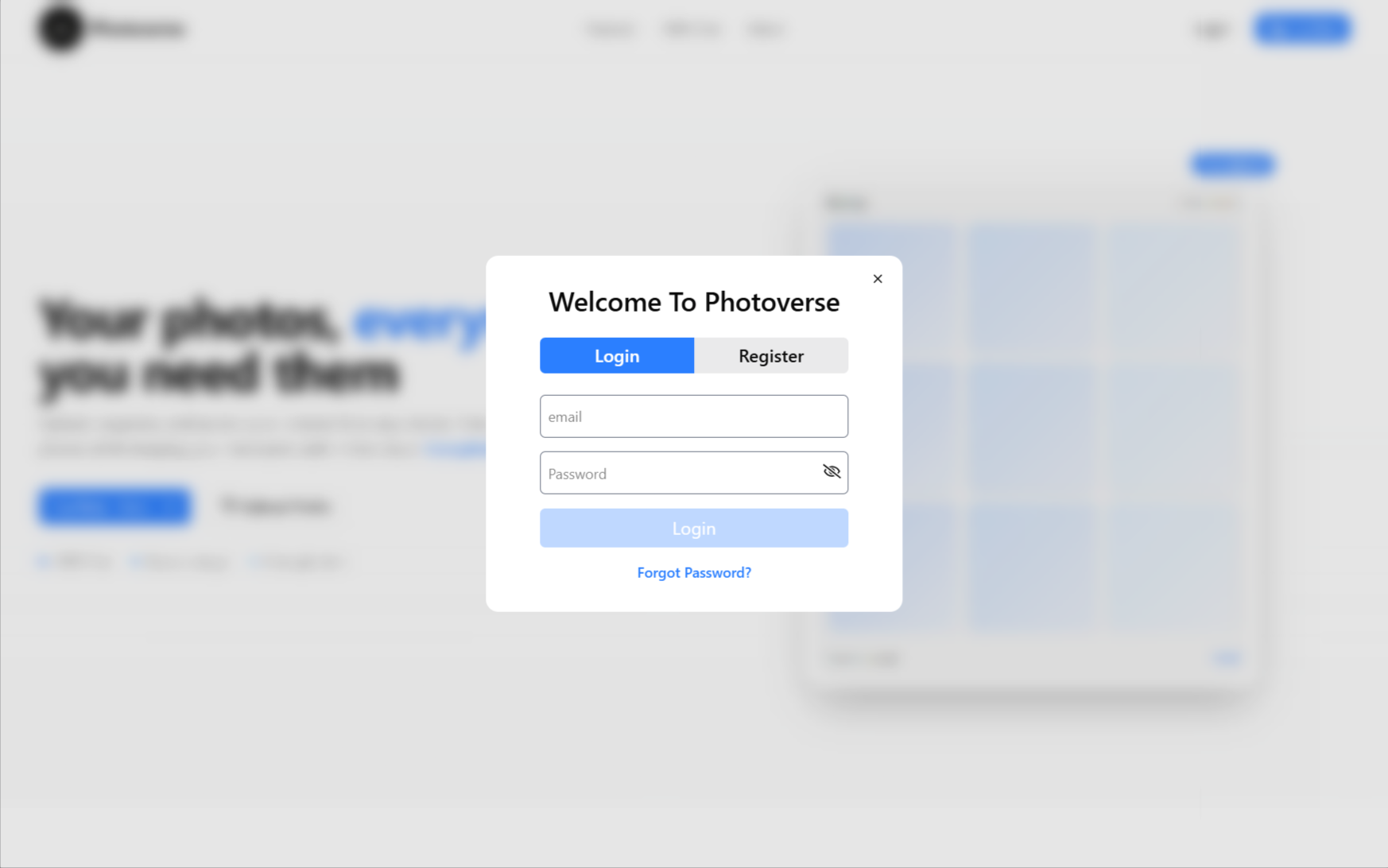
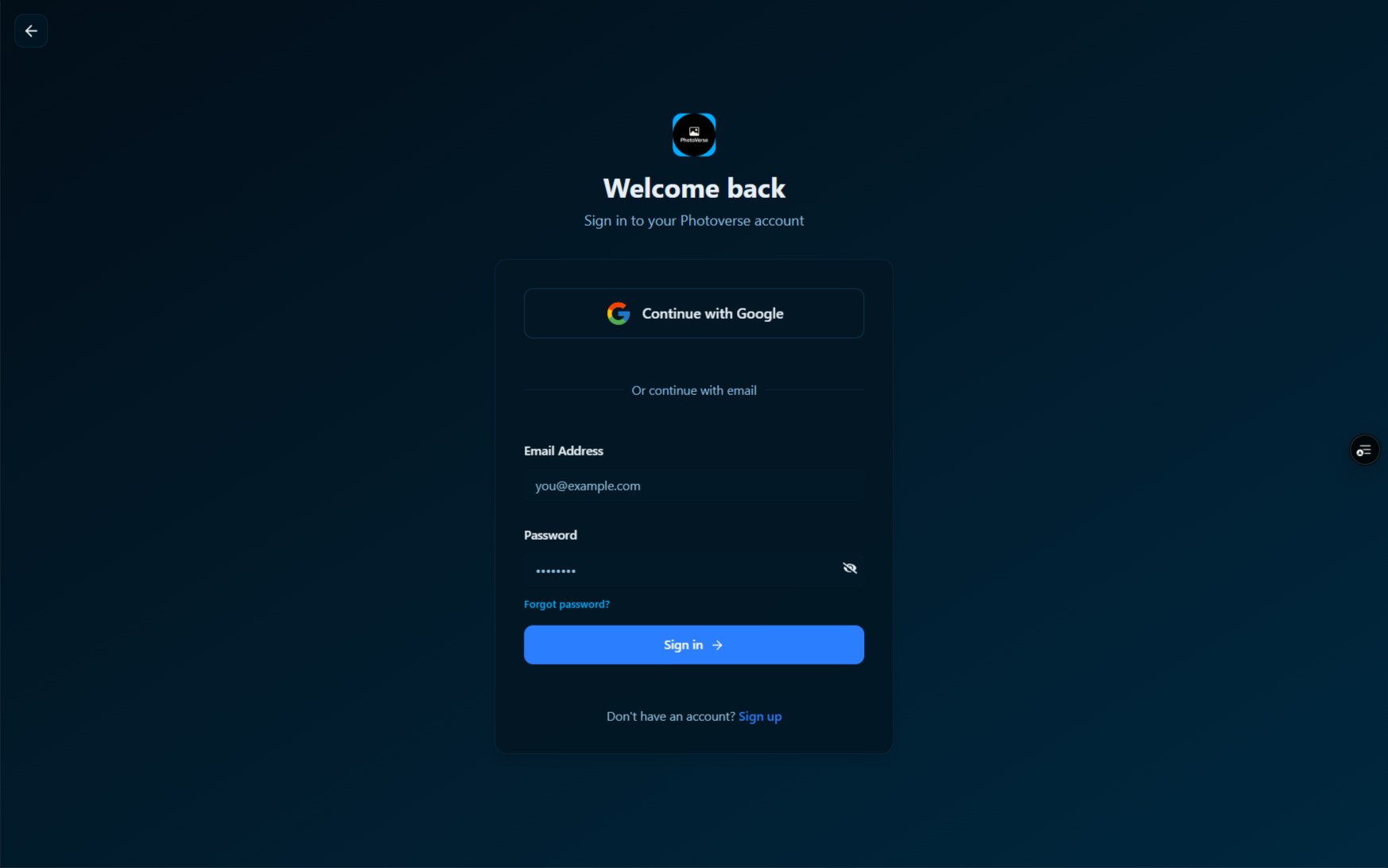
To me, user authentication always felt like something only people with 5+ years of experience can do. Working on Photoverse, I implemented user authentication twice. First, with the first iteration, I implemented the basic kind where
users authenticate with email and passwords, and authentication tokens are stored in local storage. I didn't even
handle token refresh correctly in this version.
With the second Iteration, I took things a bit further. I implemented Google OAuth, guarded against
User enumeration attacks, which I was ignorantly vulnerable to in the first version, handled token refresh properly, and moved authentication tokens
from local storage to cookies and guarded against cross-site request forgery.
Now, about switching from local storage to cookies, it wasn't a walk in the park. I ran into a lot of unusual challenges with browser restrictions that I considered reverting to using local storage. There was a time when everything worked perfectly on laptops, but not on phones, because phone browsers are stricter than laptop browsers.
Working on this project has also allowed me to try new tools like Zod and React Hook form (which I now use on every project for form validation), Redux, and Redux query.
I also learned a lot about security while working on this project. One key lesson was that servers should never rely on UI restrictions as a security measure.
Where it landed
I set out to solve a storage problem, but I also learned how software actually works — breaking in production, failing with real users, and forcing better decisions. Photoverse changed how I build.
Tech Stack
Frontend
- Next.js
- TypeScript
- Tailwind CSS
- Redux & RTK Query
- Framer Motion
- ShadCN UI
Backend
- Express.js
- Cloudinary
- MongoDB